Meet
Your
Class
As a design intern at a platform connecting 700K incoming college students, I was tasked with exploring AI features to boost engagement. My research revealed the platform wasn't ready for AI—so I convinced stakeholders to fix foundational UX first, then designed AI-powered college discovery tools that actually solved user problems.
Context
Role
UX Design Intern
Timeline
Sep 2025 - Dec 2025
Project Type
Industry
Tools & Skills
Figma, Analytics, Prototyping
MeetYourClass connects incoming college students with their future classmates. Students join communities for schools they're considering, chat with peers, and make one of the biggest decisions of their lives in choosing where to go.
The company had 26 university partnerships and strong signup numbers, but engagement and scalability was lagging. My brief was to explore AI features that could change that.
What if AI could spark conversation
Initial Hypothesis + Concept Testing
Looking into analytics, engagement in group chats was very short, <10 seconds on average.
—> Active group chats are important on the business front as it has higher public visibility than individual DMs
So we asked what if an AI moderator could prompt discussions and get students talking?
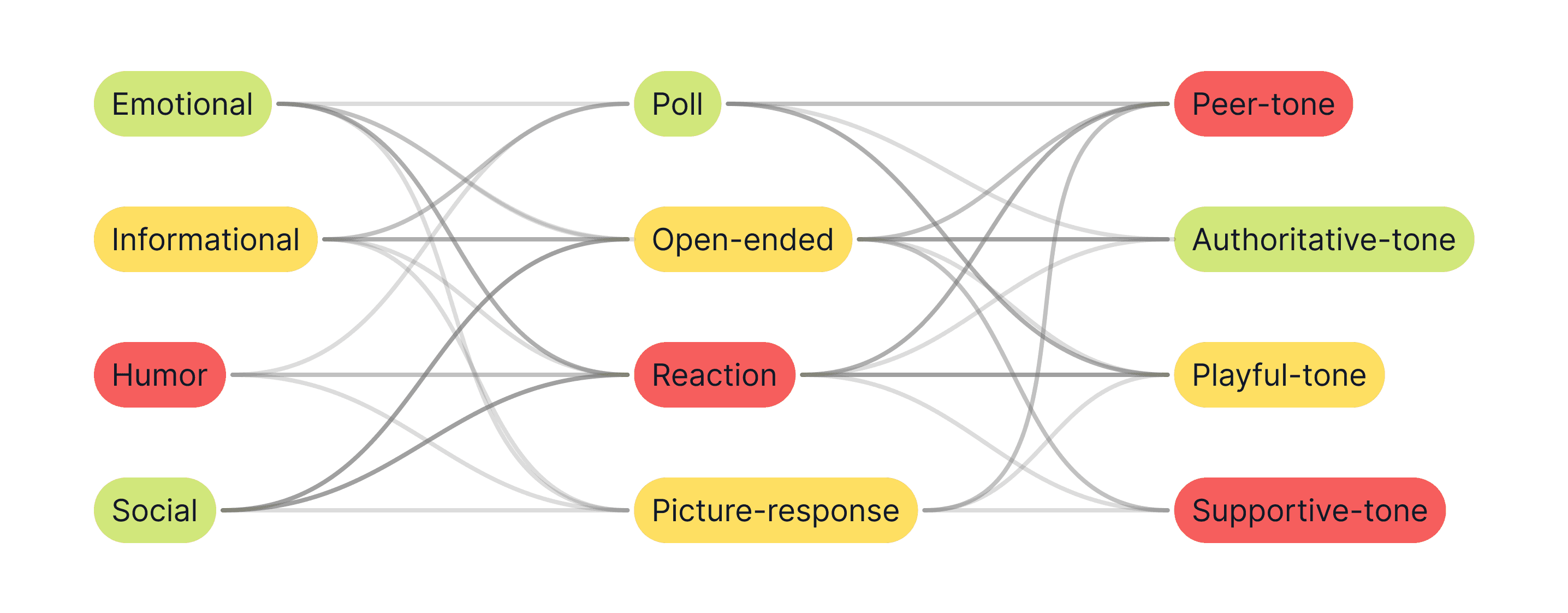
Prompt variation matrix: tested combinations across content type, format, and tone
I deployed prompts in live group chats (acting in place of the "AI" moderator) and tracked engagement over two weeks. I also tested these prompts in parallel on their Instagram stories when group chat activity looked stagnant.
2 Replies.
Research Findings
6.57%
"like" reaction rate
2 replies
across all 40 prompts
Critically low
active user count
Despite such low engagement and numbers, a look into analytics still revealed a 50% active user spike during testing.
Students noticed the prompts — they just didn't engage
The real problem wasn't awareness, it was that students couldn't easily get into group chats.
Convincing stakeholders to change direction
The Pivot
The AI moderator was an idea leadership was excited about. But with these findings, an AI moderator in an empty chat room would just talk to itself — not a very social look for a social platform. I recommended we pause AI moderation to fix core UX barriers and increase users in the group chat first.
The team agreed. We shifted focus to:
"Why weren't students reaching group chats?"
Streamlining group chat entry
Solution — improving foundations
Reducing the number of clicks by 55% to get into a group chat.
What was originally a 11-click process from a new user without an account on MeetYourClass became a 5-click entry. Maintaining context and purpose of entering group chats for creating an account throughout the new flow.
Before
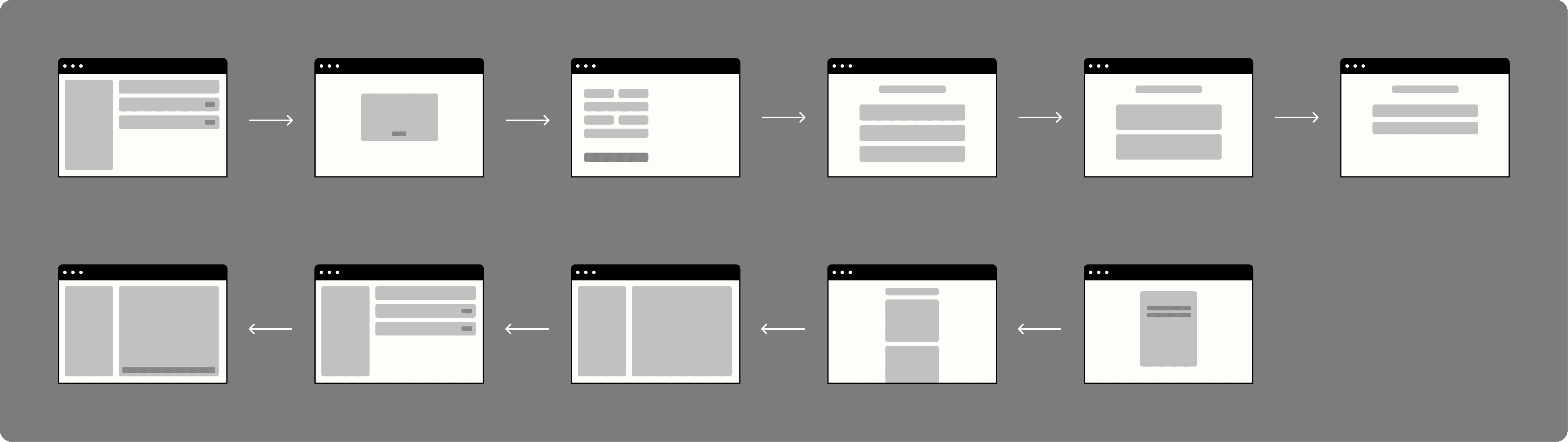
After

Additionally:
Improved clarity of current status.

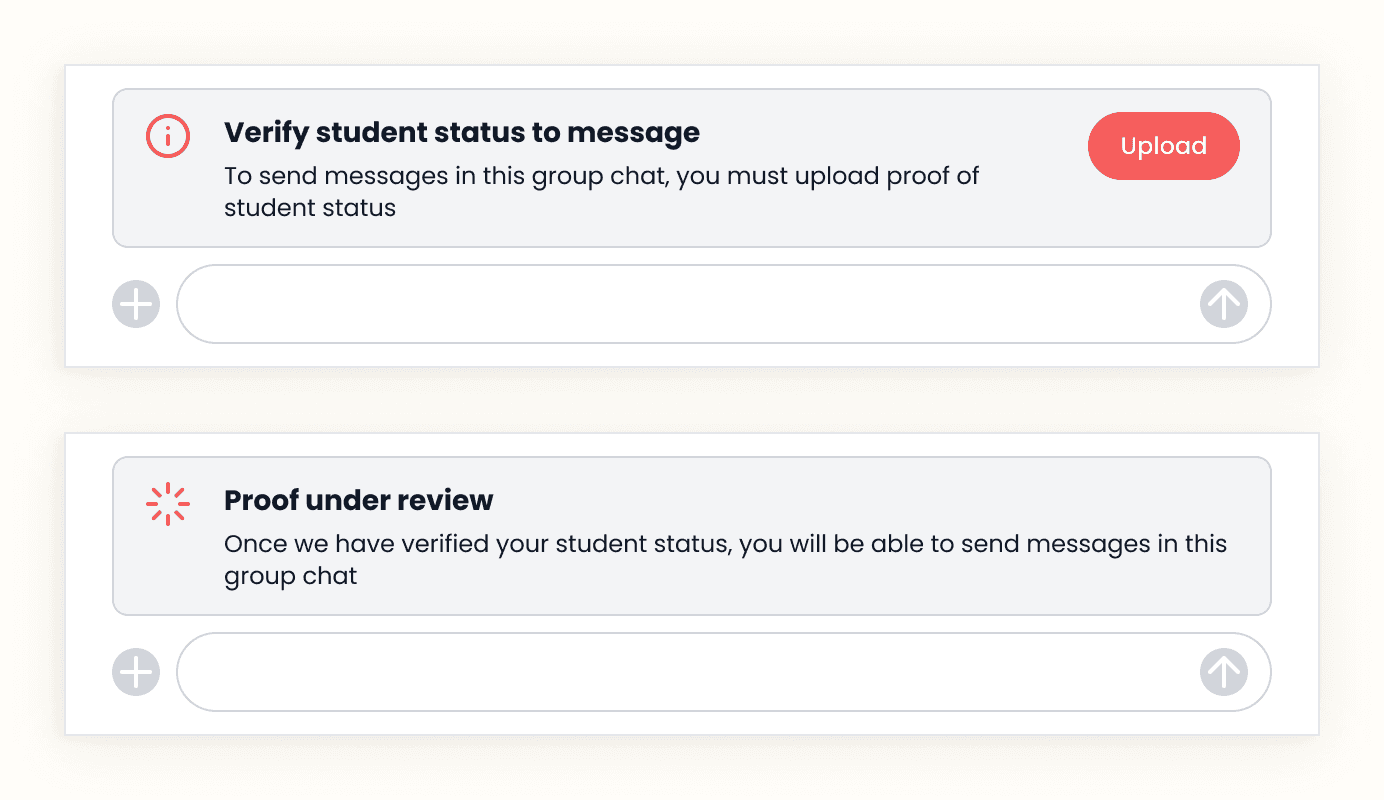
Before — Users had no idea why they couldn't message after signing up
After — Clear status communication
Increased entry points.
Before — Feed had "#general" buttons without context that did not read as group chat entry
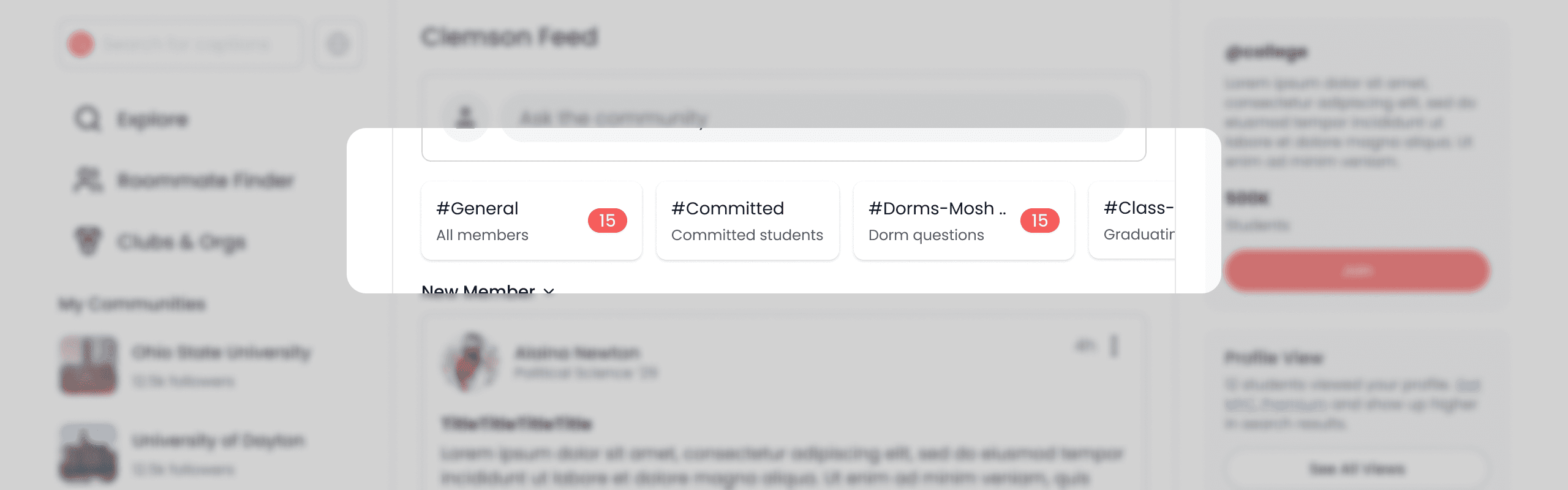
After — Clear section and label dedicated to group chats on the feed

Fixing these core UX problems would set up the group chats to be in a place where AI moderation could be a feature later in the roadmap, after social proof is organically established.
AI applied meaningfully
Reframing the opportunity
With this foundation fixed, I returned to the original brief to apply AI in a way that could genuinely help students.
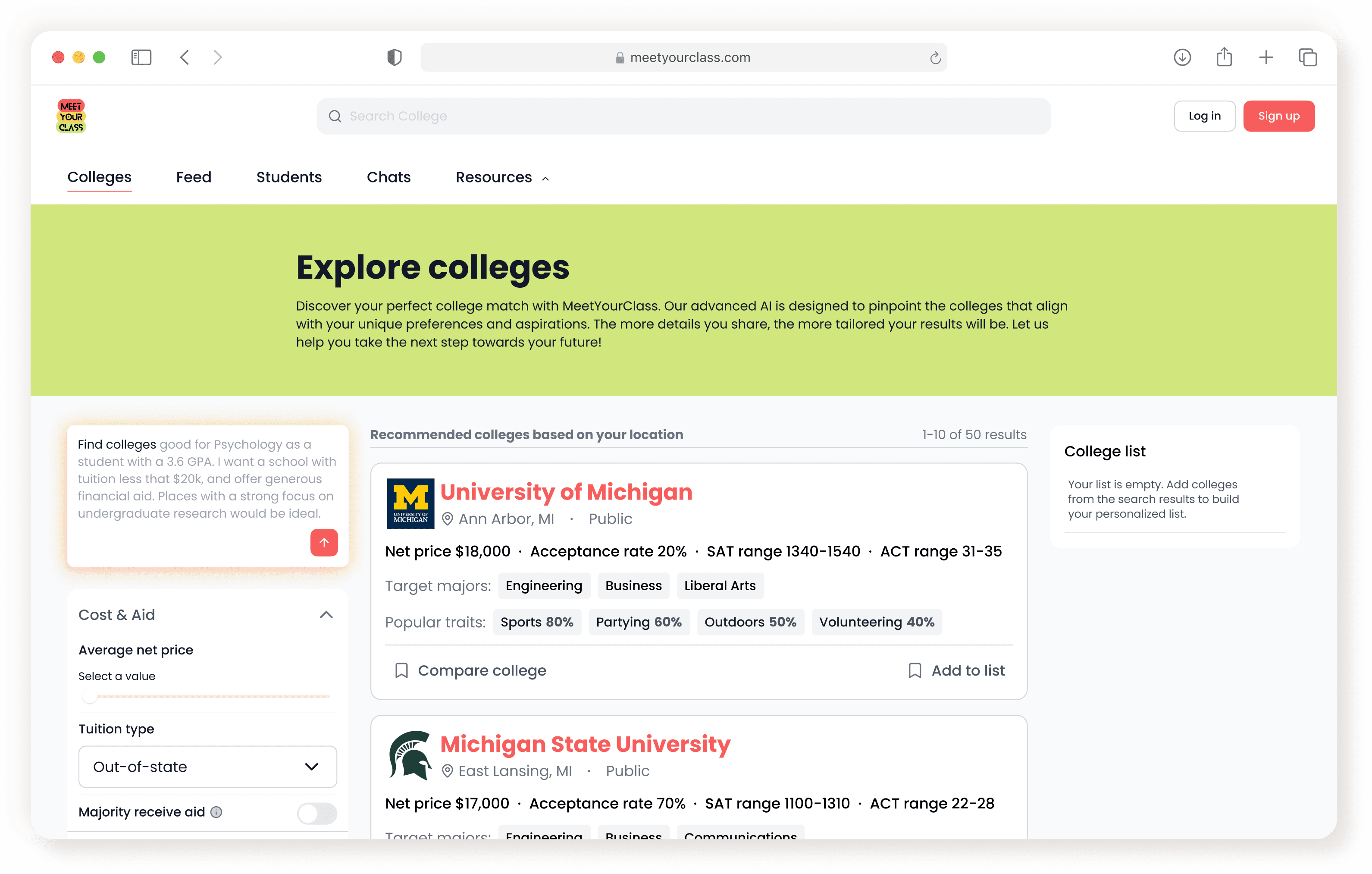
It was in the process of helping students find a fitting list of colleges.
With the U.S. having close to 6,000 postsecondary institutions, shortlisting colleges is a huge hurdle. The current explore page didn't optimize to expose researching students to colleges that might be of interest. And there was no easy way to compare colleges.
Information — The existing Explore page needed increased ease of discovering colleges that could be a good potential fit
Personalization — Generic 'lists' and results don't account for students' budget, interests, or priorities
Comparison — No easy way to compare schools side-by-side
Making AI interactions seamless
Iterations
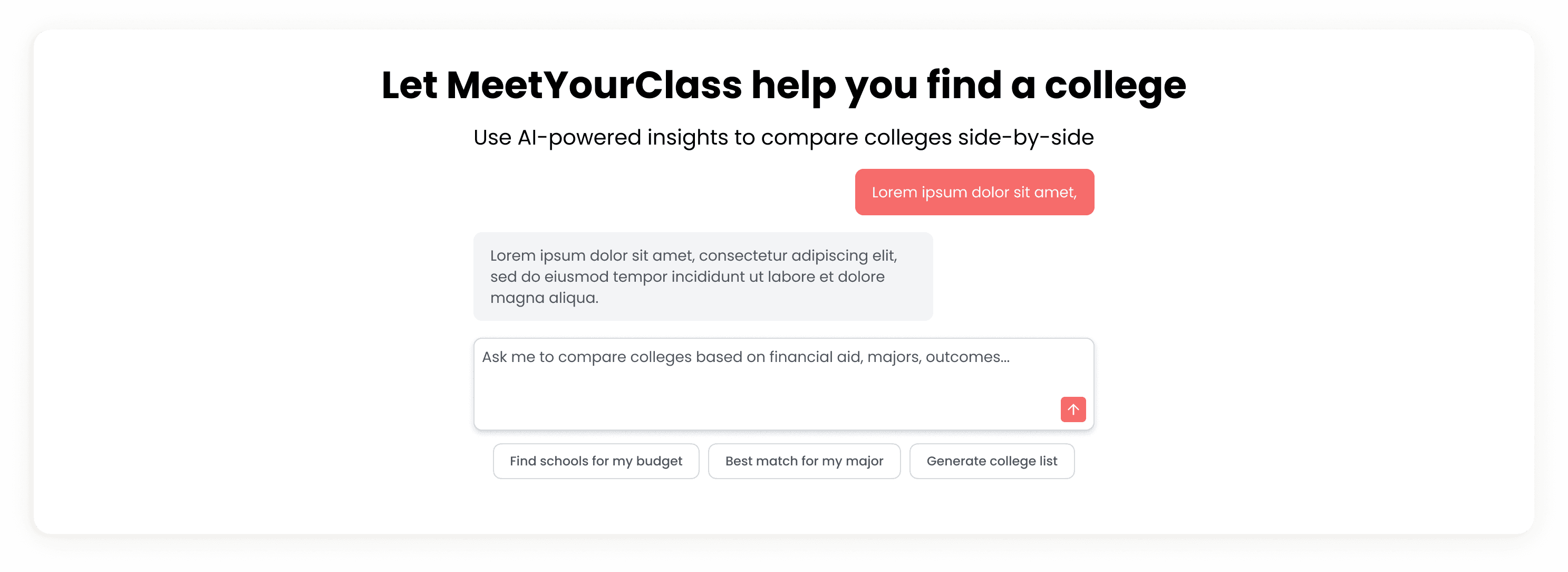
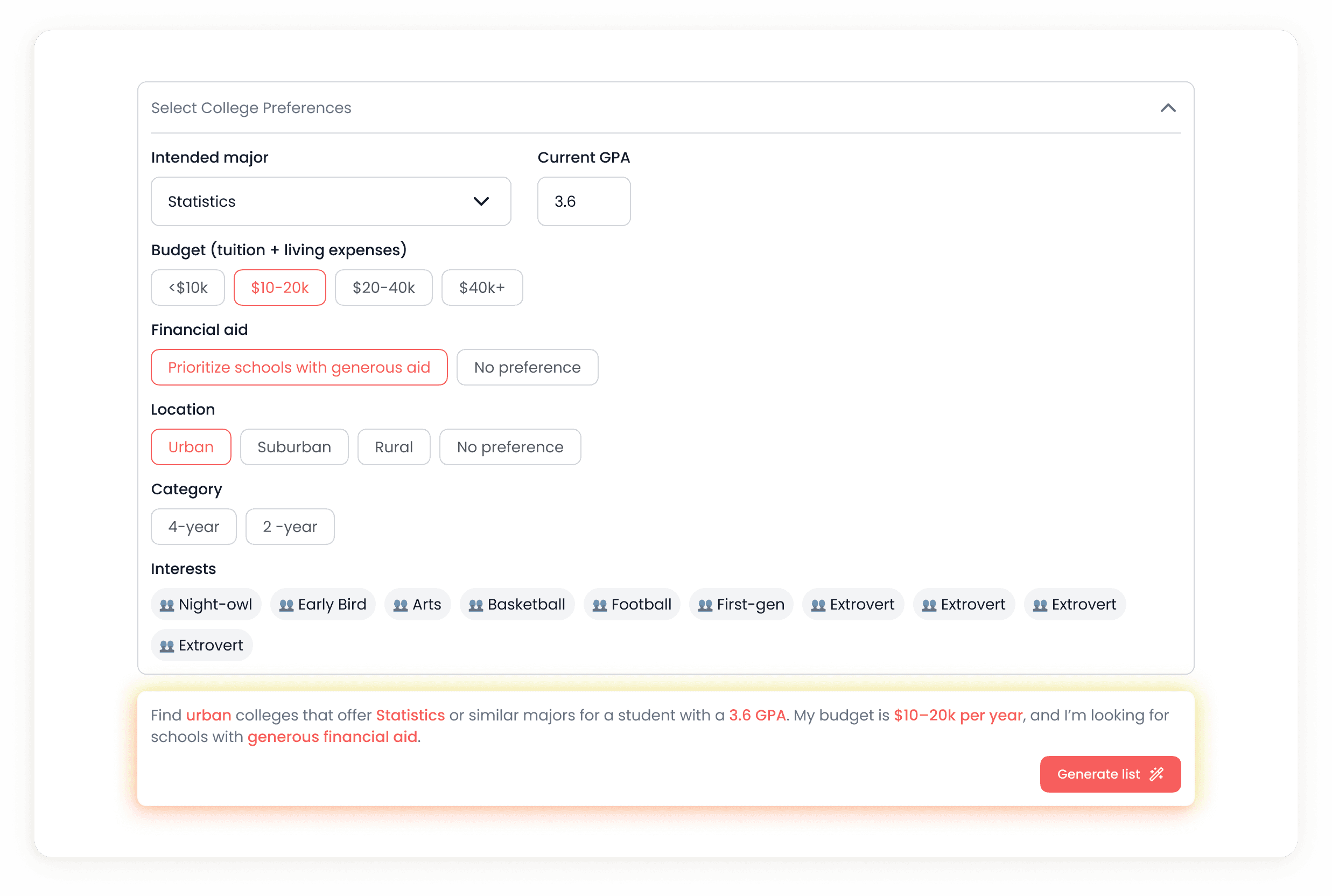
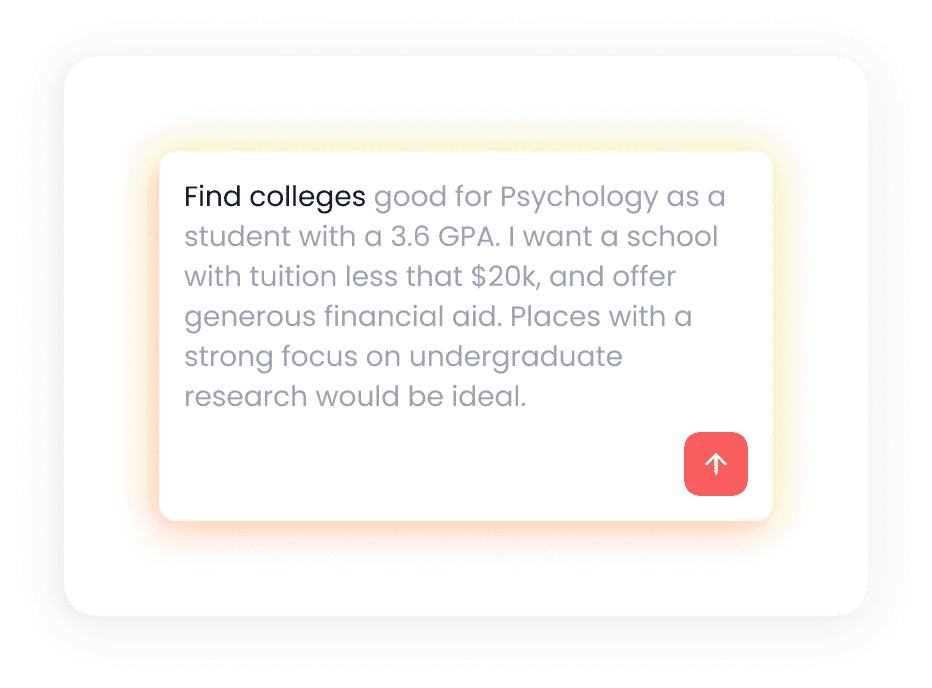
A large focus with my approach to designing AI-backed features was to incorporate the technology in a way that gives the user autonomy and amplifies their ability to digest relevant information — giving space to explore a mass breadth of schools but only surfacing points that are impactful to final decision making.

a.
b.
c.
d.
Exploration of different ways to conduct natural language search including suggestions (a, c) chat-style open input (b), and nudges (d)

e. synthesis of table content and highlighting key information
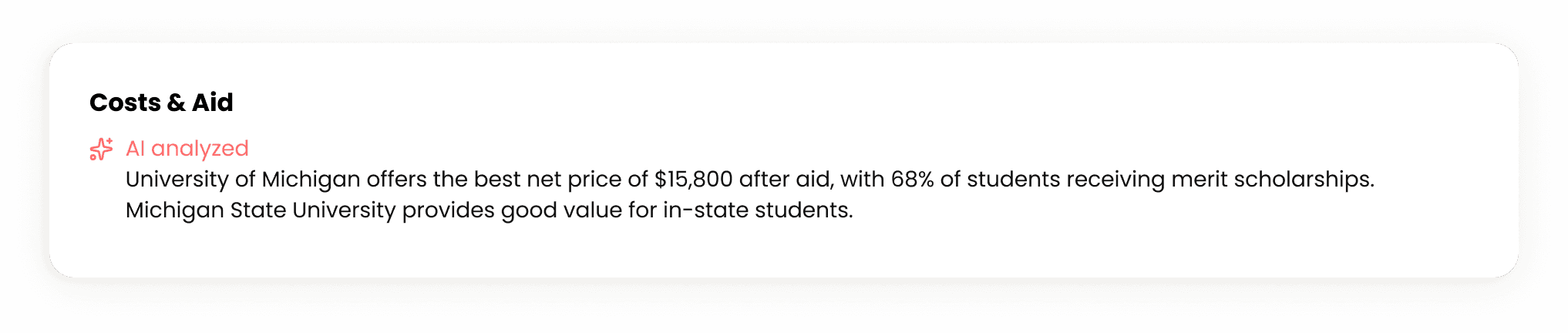
f. summary of table content to the most important factors
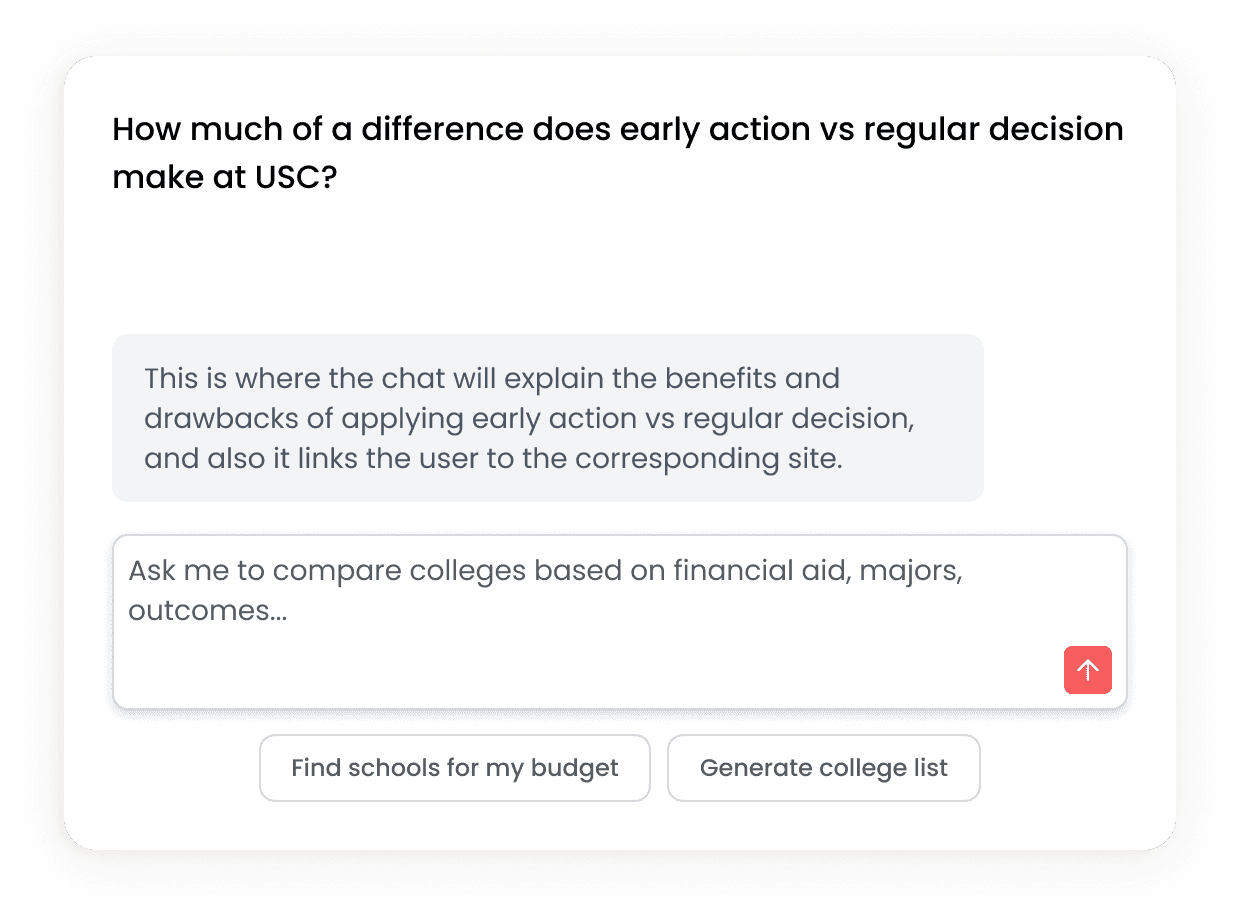
g. in-line action (clicking on individual table cells) for contextual follow-up
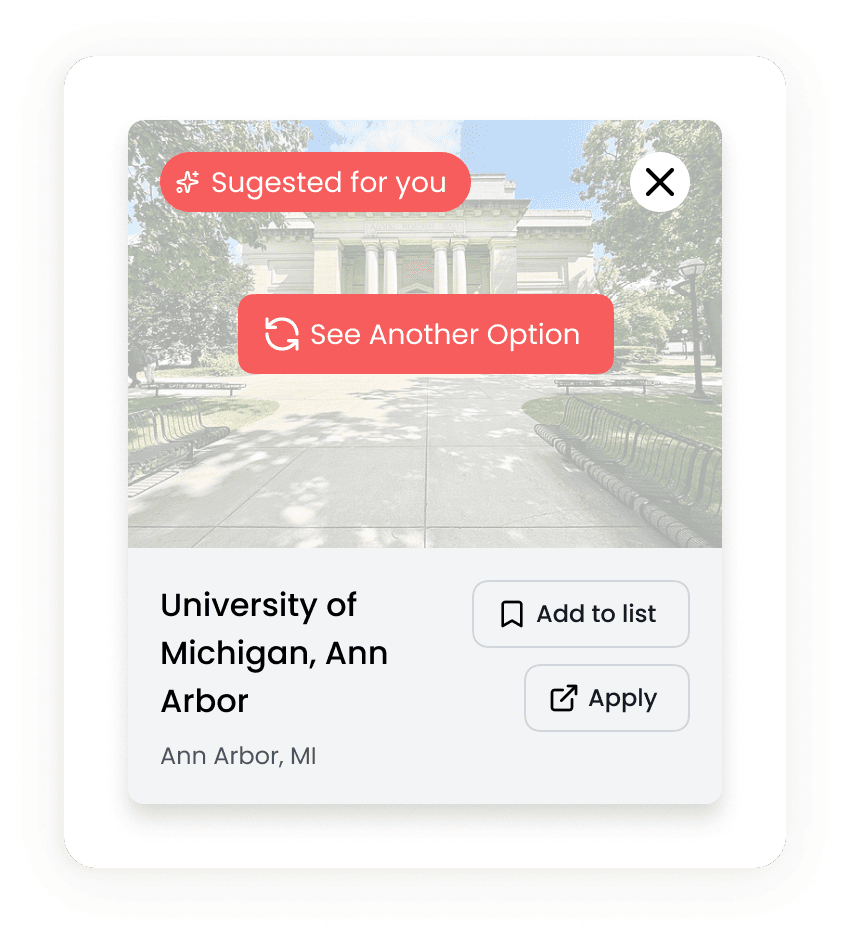
h. regenerate suggestions
Describe your dream school
Solution — AI discovery
I designed an AI-powered explore experience that helps students find and compare schools based on their interests and priorities.
Natural Language Search. Students describe what they are looking for in plain language, with a sample prompt and smart autofill. The AI interprets this into filter criteria and surfaces matching schools: getting rid of the need for manually configuring filter options.
College list. Surfacing and making saved colleges more accessible through a personalized list they can return to. This is a feature currently available on the platform but hidden in layers of the user's profile.
AI-summarized comparison. Compare schools side-by-side with the help of AI; highlighting stand-out differences.
Smart suggestions. Based on colleges you choose to compare, the system automatically suggests similar options tagged as "Suggested for you".
Final designs

Knowing when not to build
Learnings & Reflection
One of my key takeaways from this project wasn't just designing interfaces, but rather, recognizing when and how to not build out a feature that did not fit the system and audience. The AI moderator was an exciting idea to stakeholders, but the testing and research told a clear story that the platform didn't have the infrastructure to support it. The data helped me make my case that foundational UX friction points should be improved first, evaluated, and then re-consider at a later point if users are ready for such features.
The AI exploration in the explore and discovery page was also very meaningful. I focused on integrating AI experiences seamlessly, highlighting user control but layered with AI suggestions and help, ultimately leaving choices and final decisions to the user and really maintaining their sense of autonomy while using the platform.
Given more time, I would have really liked to dig deeper into the AI explore page with usability or preference testing; bringing the research rigor I brought to the AI moderator hypothesis into all aspects of my work.